
How To Take High-Converting Product Photos
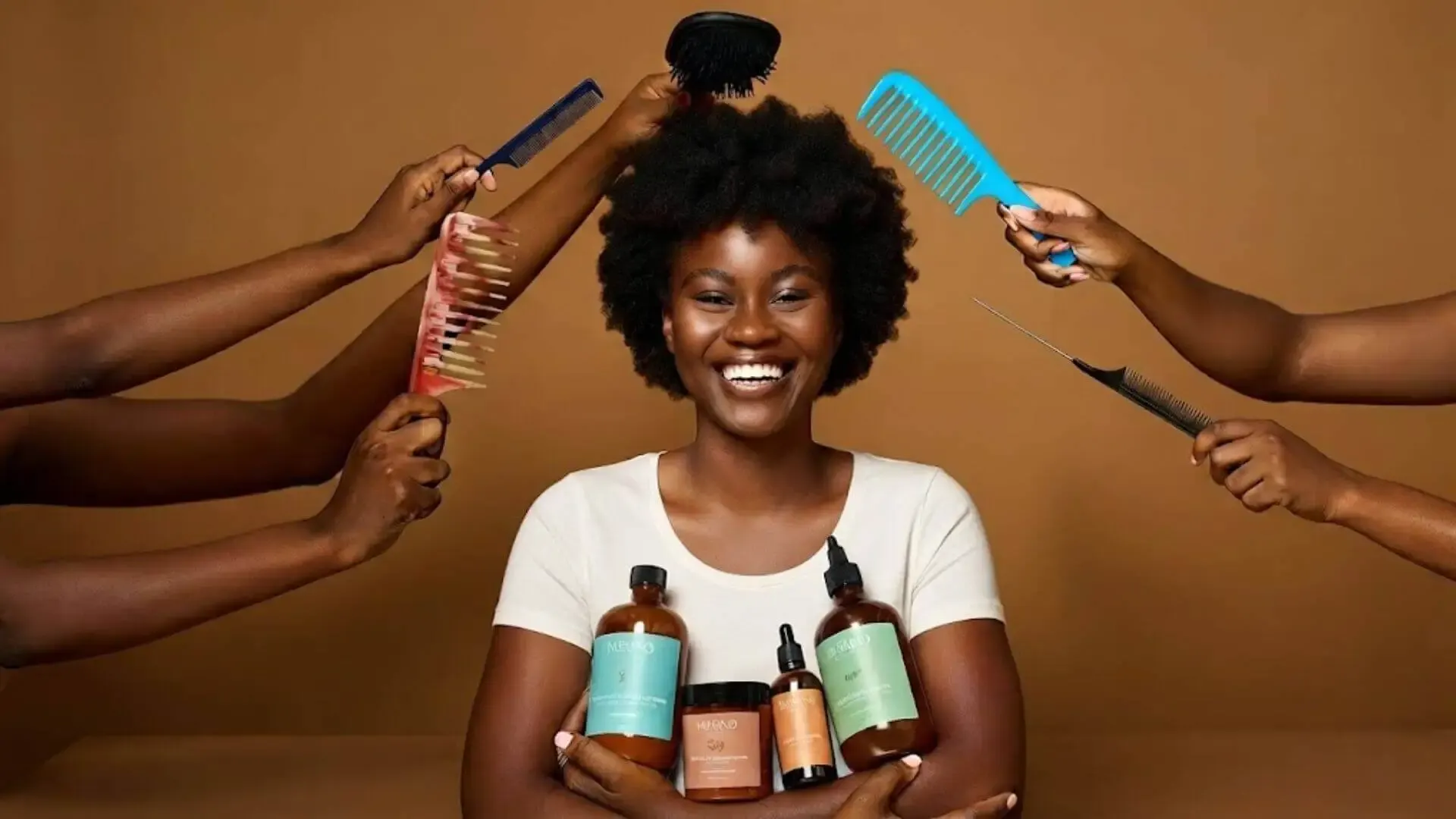
Your product might be amazing… but if your pictures are not giving, your sales will not move. That’s just how online business works. In product photography for ecommerce, your images are your salesperson. Your customer can’t touch, test, or feel your product. They only see what you show them. And if your photos look dull, dark, or confusing, they’ll scroll past without thinking twice.
That’s why this is not just another article. This is your high-converting product photos guide, built specifically for African business owners who are creating content with their phones, in small spaces, and on tight budgets.
We’ll show you how to turn simple shots into scroll-stopping visuals using smart techniques and AI product photography tools that do the heavy lifting for you. Because the truth is simple: You don’t need a studio to sell like a pro. You just need the right approach.
Why Good Product Photos = More Sales
First, let’s be real: before we talk about how to take good product photos, you need to understand why they matter. Picture this. You’re scrolling Instagram and see two people selling the same handbag:
- Vendor A just snapped a blurry photo with bad lighting and a distracting background cluttered with who-knows-what.
- Vendor B’s photo is clear and bright, with the bag popping against a simple background.
Who would you trust more? The answer is simple: Vendor B.
This is the power of effective product photography for ecommerce. Great product photography does three key things for your business. It:
- It builds instant trust. Your brand feels legit.
- It makes your product super clear. No confusion, no surprises.
- It helps turn window-shoppers into buyers. Sometimes, that’s all it takes.
And if you pair these photos with an easy-to-use, professional online store, like Ojamaker, you move beyond just posting for likes. You start selling for real.
Why Photos Fail to Convert
Most product photos don’t fail because the product is bad. They fail because the presentation is weak. A lot of African business owners struggle with:
- Poor lighting
- Cluttered or distracting backgrounds
- No consistent visual style
- No clear focus on the product
And the truth? It’s not your fault. Nobody really breaks down product photography for ecommerce in a simple, practical way. Especially for people working with small spaces, phones, and tight budgets. That’s exactly why this high-converting product photos guide exists.
To simplify everything for you and show you how to upgrade your visuals using smart techniques and even AI product photography, without stress or expensive setups. Because once you fix your photos, you don’t just improve your feed… you improve your sales.
How To Take High-Converting Product Photos
You don’t need a fancy studio or expensive camera to get photos that actually drive sales. Try these eight steps to turn your phone into a money-making photo tool:
1. Use Natural Light
Lighting is everything. You don't need a costly ring light to start; you just need to work with the sun.
For Technique, stand near a large window during the day. Avoid harsh, direct sunlight, which creates unflattering shadows. Instead, look for soft, diffused light. Natural light makes your products look clean, premium, and true-to-life. Instantly upgrade your product photography for ecommerce.
2. Keep Your Backgrounds Clean
Let your product shine. Skip the bedsheets and clutter. Use a plain white or neutral-colored board, wrapping paper, or clean fabric. The simpler, the better. A clutter-free background keeps the customer’s eye focused on the product. Clean backgrounds let your product pop and your shop look polished. Especially when those photos go up on your Ojamaker store.
3. Think Like Your Customer (The Angles Strategy)
One photo doesn’t tell the whole story. Give shoppers a 360-degree view. Shoot:
- A hero shot. Straight-on, eye-level, nice and clear.
- A details shot. Zoom in close on stitching, zippers, or textures.
- A context shot. Show your product in a hand or next to something like a phone, so people see the real size. This helps them picture it in their life.
This gives your customer a full “see it, feel it, imagine it” experience, even online. It helps the customer visualise the size and how it fits into their life.
4. Remove Doubt with Variety
Don’t just take one or two shots and post. Give people options: front, side, back, close-up, and “lifestyle” shots with the product in use. That way, you answer all your customers’ questions visually. The more they see, the less they hesitate. And the more they buy. Customers want to see everything before they commit. This is a core principle of creating high-converting product photos.
5. Use Your Smartphone
You don’t need a pro camera. Your phone is enough if you use it well. Clean your lens. Tap to focus. Always choose bright, natural light. Start with what you have; perfection is not a prerequisite for selling.
6. Edit Lightly with AI
Edit to make your photos fresher, not faker. If you over-edit, buyers lose trust. Just adjust the brightness and contrast to fix up the shot. Ojamaker's AI image cleanup can handle background mess and make your photo look sharp. No advanced editing skills needed.
7. Stay Consistent
Consistency builds recognition. Recognition builds trust. Stick to:
- The same background style
- The same lighting setup
- The same editing tone
When your visuals are consistent, your store feels intentional, not scattered. And in product photography for ecommerce, that difference is what separates “random seller” from “real brand.”
8. Elevate with a Proper Storefront
Stunning photos deserve a professional home. If you are still selling exclusively through DMs, you are capping your own growth. When you use Ojamaker for online store setup, your high-quality images are displayed in a clean, high-converting layout. It makes browsing effortless for your customers and turns your "Instagram hobby" into a seamless, automated checkout experience.
Ojamaker Features That Boost Your Sales
Your photos are only half the battle; where you display them is the other half. Here is how Ojamaker transforms your visuals into a high-selling machine:
- AI Image Cleanup: Instantly refine your photos. It clears away noise and imperfections, giving your products a studio-quality look without needing design skills.
- Smart Product Pages: All your angles and detail shots display beautifully and make buying easy.
- Mobile-Optimized Storefront: Your store looks sharp and loads fast, even on a small screen.
- Built-In SEO: Ojamaker gets your products in front of people on Google, not just Instagram followers.
- Visual Search: Let customers upload a photo or screenshot to instantly find matching products in your store without struggling with keywords.
This is why top-tier African entrepreneurs are refining their product photography for e-commerce while simultaneously migrating to Ojamaker for a more professional edge.
Let’s be clear about what happens when you fix your photos:
- People trust your brand right away.
- You answer all their “what is this, how big is it, what’s it made of?” questions without a word.
- Your page just looks more expensive, so your brand feels premium.
When you combine high-quality imagery with Ojamaker, you stop just "posting products" and start running a proper, professional online business.
Your Pictures Are Your First Salesperson
Before a customer sends a DM, and before they ask for a price, your picture has already spoken. Make sure it’s saying:
"This brand is serious. This product is high quality. You can trust me."
Now that you've mastered the art of high-converting photography, it’s time to give those images a platform that works as hard as you do.
Start using Ojamaker today to display your products professionally, automate your sales, and grow your business beyond the limitations of social media DMs. Let your business finally look as professional as it truly is.